The Best Webcam of 2026
We scored the top webcam on expert consensus, real-owner sentiment, value, features, and recency — here are our picks.


Our Top Picks at a Glance
Logitech Brio 505
Logitech C920S Pro HD Webcam
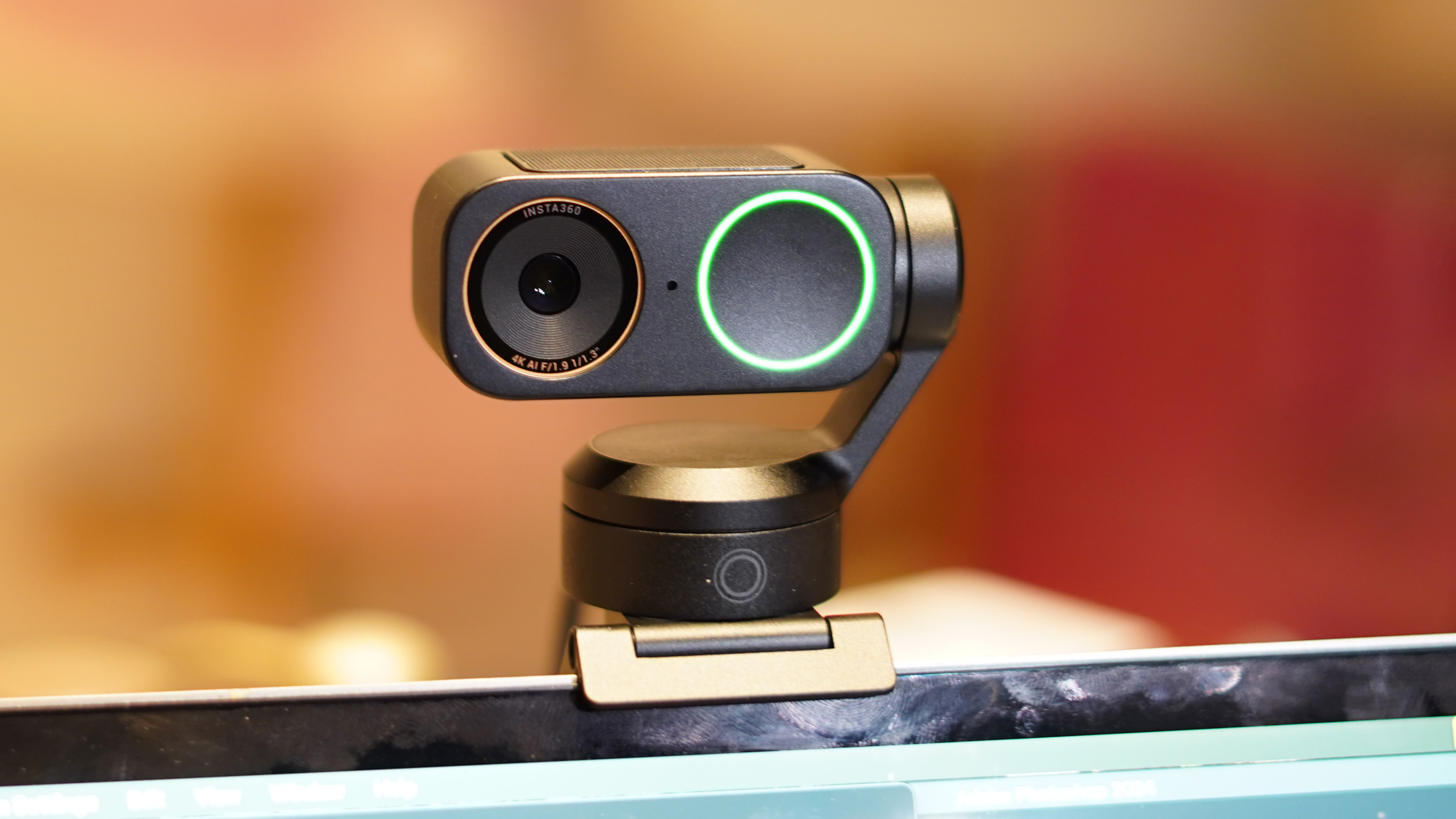
Insta360 Link 2 Pro
How the picks compare
| # | Product | Best for | Score | Price | |
|---|---|---|---|---|---|
| 1 | Logitech Brio 505 | Best Overall | 4.2/5 | Check price | Check price |
| 2 | Logitech C920S Pro HD Webcam | Runner-Up | 4.2/5 | Check price | Check price |
| 3 | Insta360 Link 2 Pro | Also Great | 4.1/5 | Check price | Check price |
| 4 | 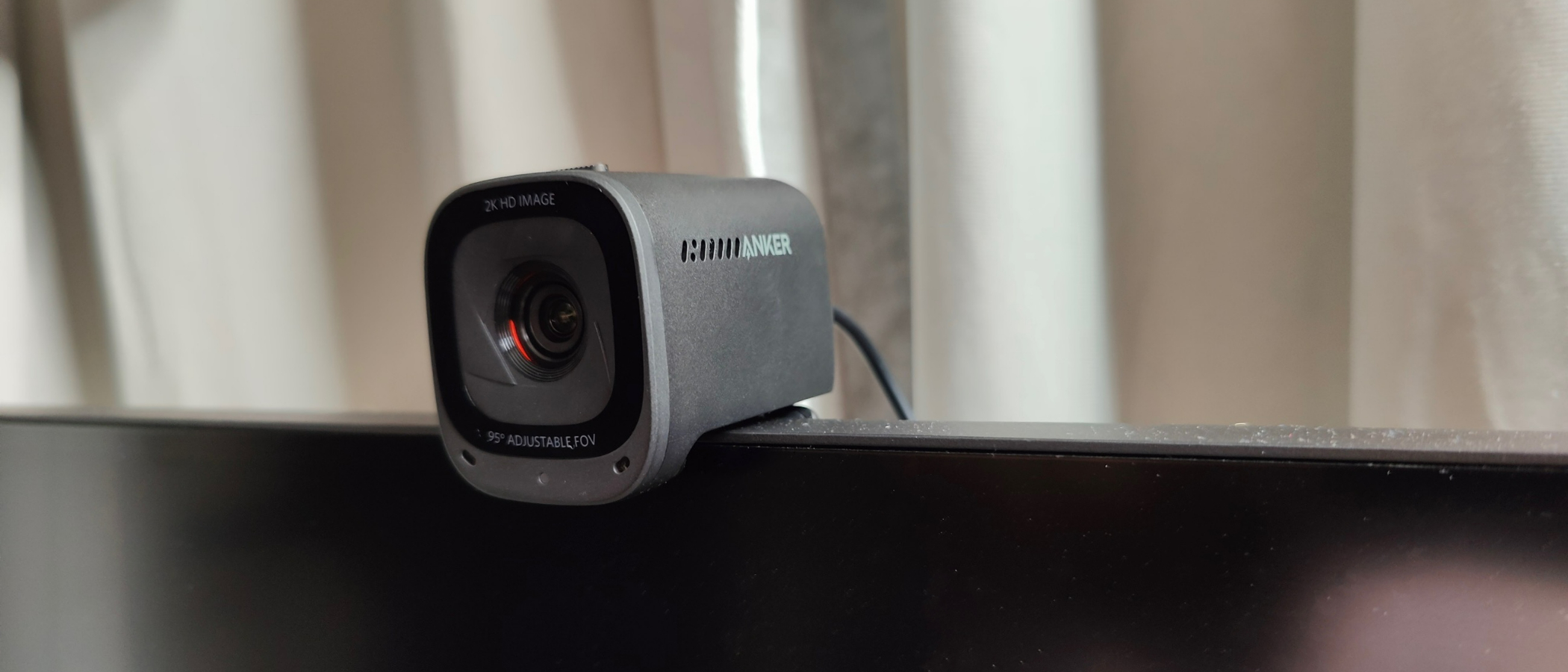 Anker PowerConf C200 2K Anker PowerConf C200 2K | Also Great | 4/5 | Check price | Check price |
| 5 | 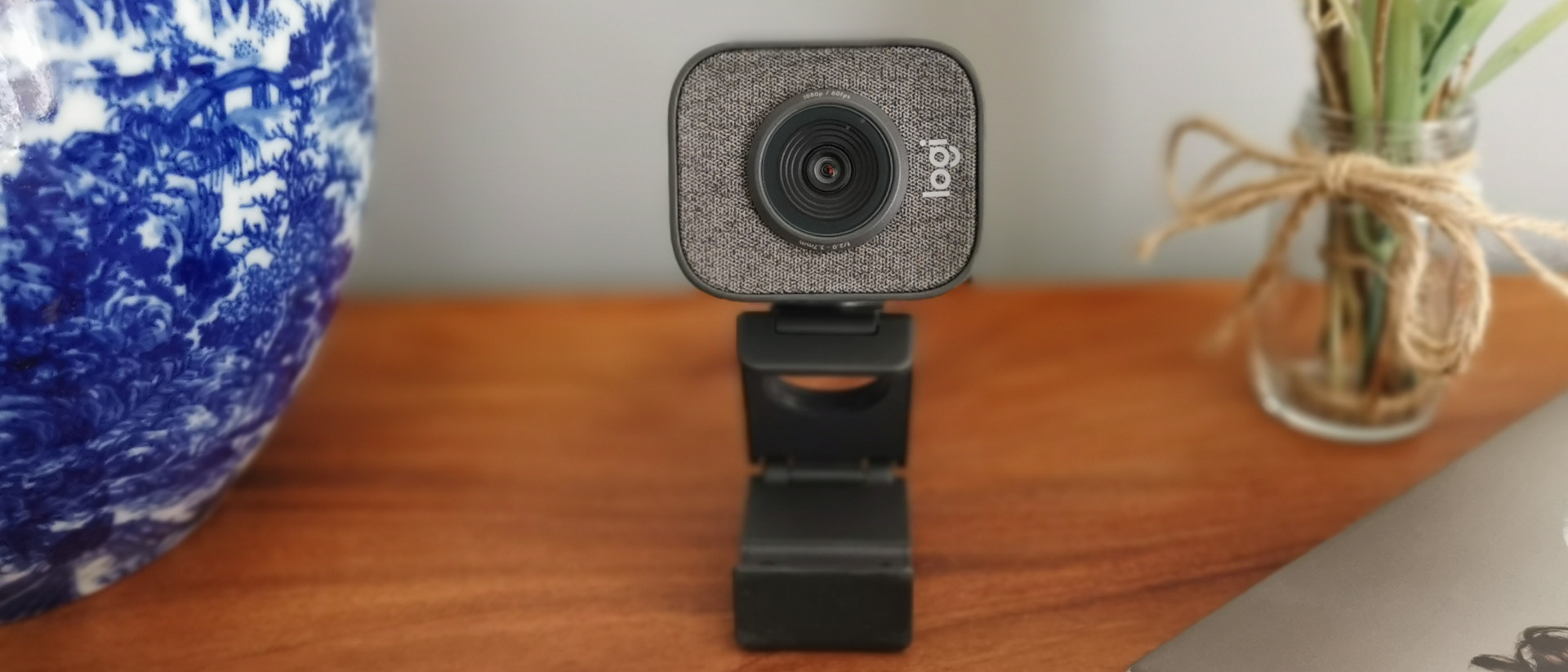 Logitech StreamCam Logitech StreamCam | Also Great | 3.9/5 | Check price | Check price |
Logitech Brio 505
- Excellent 1080p video quality with accurate auto white balance and fast autofocus
- Subject tracking and Show Mode typically found on pricier models
- Easy setup and useful companion software
- Maximum resolution is 1080p, not 4K
- Microphone is adequate but not outstanding
Our verdict: For most people, the Logitech Brio 505 is the smartest buy in this category — strong performance, reliable build quality, and excellent value for the price.
Logitech C920S Pro HD Webcam
- Excellent picture quality in both bright and dim lighting
- Very good value for the price
- Sturdy build and included privacy shutter
- Only 30 fps at 1080p
- Autofocus can be slow in some situations
- Some users find the software intrusive
Insta360 Link 2 Pro
- Excellent 4K resolution and reliable auto exposure/white balance
- Smooth subject tracking with hand-gesture control
- High-quality microphone with clear voice pickup
- High price, likely overkill for most users
- Some users report software quirks
Anker PowerConf C200 2K
- Impressive 2K picture quality for the price
- Sleek and compact build
- Easy to set up
- Auto exposure and white balance less accurate than pricier models
- Autofocus not as fast as top picks
- Clip does not swivel left or right
Logitech StreamCam
- Smooth 1080p60 video for streaming and content creation
- Versatile portrait mode for vertical video
- Includes both screen and table stands
- Lacks 4K resolution
- Only 1080p at 60 fps, no higher resolution options
- Microphone is mediocre
Who this is for
If you’re tired of looking like a pixelated potato on video calls, you need a dedicated webcam. This guide is for anyone from remote workers and hybrid professionals to streamers and content creators who want a consistent, high-quality image without relying on a laptop’s mediocre built-in camera.
How we picked
We cross-referenced expert reviews and aggregated real user feedback to identify the webcams that deliver on their promises. Then we scored each model on value, build and features, and how current the technology is, combining those ratings into the Aikins Score you see with each pick.
What to look for
What owners say
Users consistently tell us that even an affordable dedicated webcam is a massive upgrade over a laptop camera. The most common praise goes to image quality that stays reliable across different lighting conditions, and to ease of setup. The biggest recurring complaint is that built-in microphones are often passable at best, with many owners recommending an external mic. Some also note that autofocus on budget models can hunt and lag, especially in low light.
How we scored
The Aikins Score weights expert consensus at 35% and owner sentiment at 25%, reflecting the balance between professional testing and real-world experience. Value for money accounts for 15%, build and features for 15%, and how current the product is for the final 10%.
FAQ
Why can’t I just use my phone as a webcam?
You can, and many owners do. A modern smartphone camera will beat most dedicated webcams on pure image quality. But a dedicated webcam is always plugged in, already positioned, and won’t drain your phone’s battery or interrupt your calls when a notification pops up.
Should I buy a 4K webcam?
Only if you need the resolution for recording or streaming vertical content, or if you often crop into the frame. For standard video calls, 4K adds negligible visual benefit because most services cap the stream at 1080p. The upgrade is more about better autofocus and low-light performance than extra pixels.
Do I need a separate microphone?
Very likely yes. Every webcam in this guide has an integrated microphone, but only the premium ones are acceptable for voice calls. If you want to sound professional or if you record for a podcast, a dedicated USB mic or a headset will be a far better investment than paying extra for a webcam with a “good” mic.
The verdict
Our top pick, the Logitech Brio 505, hits the sweet spot of great image quality, fast autofocus, and useful extras like subject tracking without the 4K price tag. If you need to save money, the Logitech C920S remains the value champion, while the Insta360 Link 2 Pro is the pick for those who must have the best possible video and audio in one package. The Anker PowerConf C200 and Logitech StreamCam are strong complementary options for budget buyers and streamers, respectively.
More Buying Guides
View allThe Best Magnetic Car Phone Mount of 2026
We scored the top magnetic car phone mount on expert consensus, real-owner sentiment, value, features, and recency — here are our picks.
Read guide AutoThe Best Jump Starter With Air Compressor of 2026
We scored the top jump starter with air compressor on expert consensus, real-owner sentiment, value, features, and recency — here are our picks.
Read guide AutoThe Best Portable Air Compressor For Car Tires of 2026
We scored the top portable air compressor for car tires on expert consensus, real-owner sentiment, value, features, and recency — here are our picks.
Read guide