The Best Budget Laptops of 2026
We scored the top budget laptops on expert consensus, real-owner sentiment, value, features, and recency — here are our picks.
Our Top Picks at a Glance
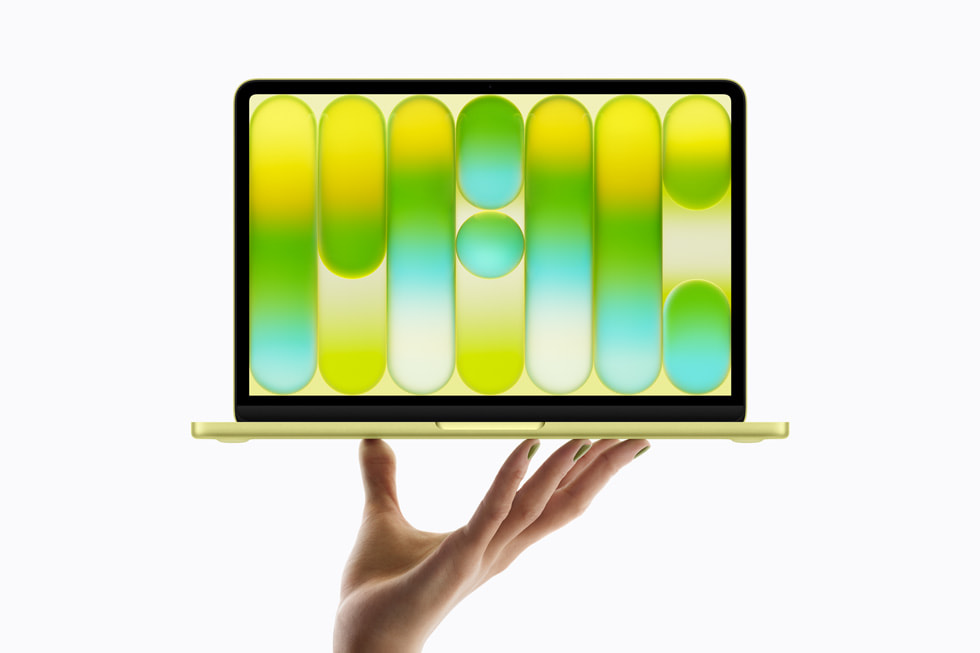
Apple MacBook Neo
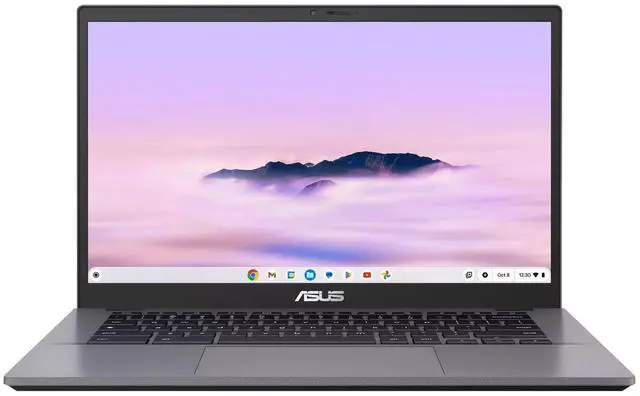
Asus Chromebook Plus CX34 (CX3402CVA-WS388T-GR)
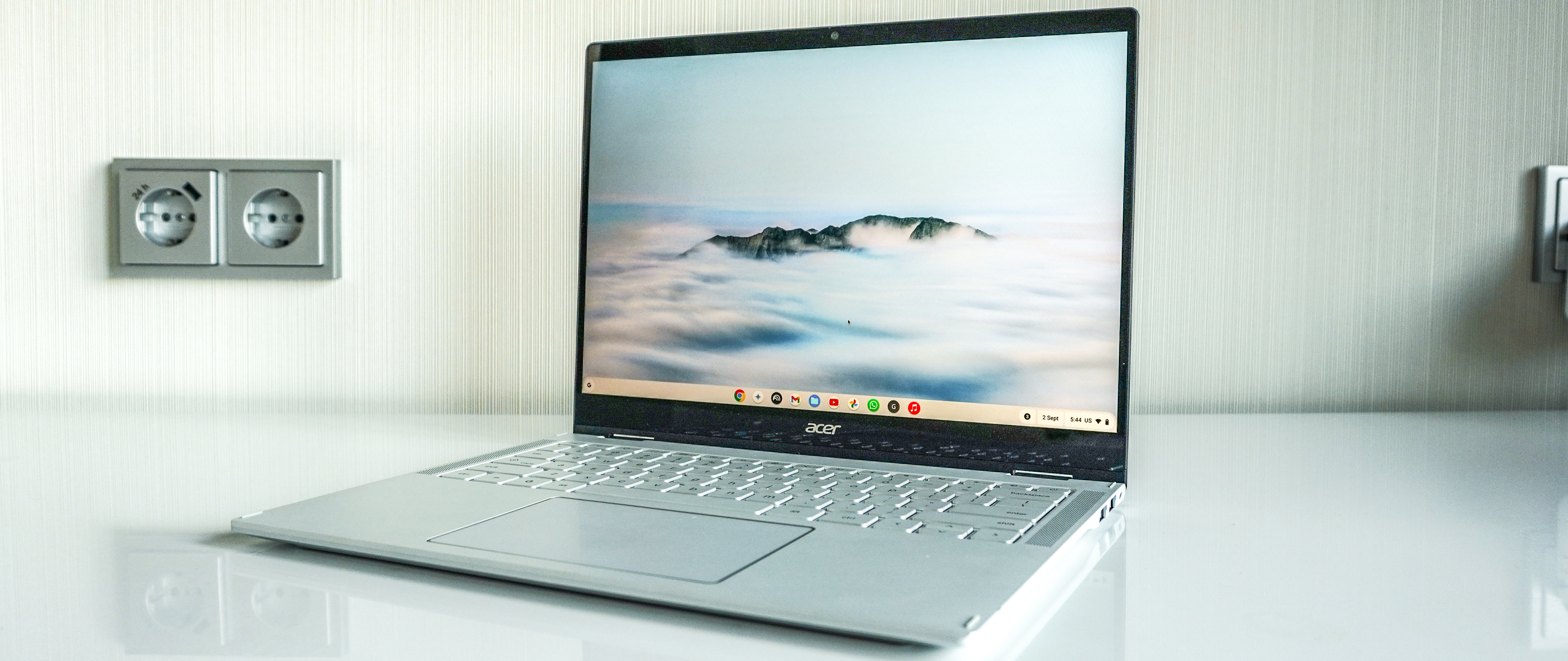
Acer Chromebook Plus 514
How the picks compare
| # | Product | Best for | Score | Price | |
|---|---|---|---|---|---|
| 1 | Apple MacBook Neo | Best Overall | 4.4/5 | Check price | Check price |
| 2 | Asus Chromebook Plus CX34 (CX3402CVA-WS388T-GR) | Runner-Up | 4.1/5 | Check price | Check price |
| 3 | Acer Chromebook Plus 514 | Also Great | 4.1/5 | Check price | Check price |
| 4 |  Acer Aspire 3 15 (A315-24PT-R288) Acer Aspire 3 15 (A315-24PT-R288) | Also Great | 3.9/5 | Check price | Check price |
Apple MacBook Neo
- Sturdy aluminum chassis and excellent build quality
- Fantastic Retina display with good color and brightness
- Snappy performance for everyday web browsing and light apps
- Very good battery life (14 hours tested)
- Starts to lag with 30+ browser tabs or large media files
- Only 8GB RAM and 256GB storage may limit future multitasking
- Priced higher than typical budget Windows/Chromebook options
Our verdict: For most people, the Apple MacBook Neo is the smartest buy in this category — strong performance, reliable build quality, and excellent value for the price.
Asus Chromebook Plus CX34 (CX3402CVA-WS388T-GR)
- Fast everyday performance with Intel Core i3 and 8GB RAM
- Matte touchscreen and backlit keyboard
- Good battery life (9.5 hours tested)
- Compact and portable at 3.17 pounds
- No 360-degree hinge; clamshell only
- Speakers sound harsh and buzzy on desk, muffled on lap
Acer Chromebook Plus 514
- Excellent battery life (12 hours 50 minutes in video test)
- 14-inch touchscreen with snappy performance
- Intel Core i3 processor with 8GB RAM
- Not as portable as some smaller Chromebooks
- Limited to Chrome OS app ecosystem
Acer Aspire 3 15 (A315-24PT-R288)
- Good specs for the price with 16GB RAM and 1TB SSD
- Touchscreen with matte coating reduces glare
- Decent battery life (9.5 hours tested)
- Can be opened with one hand
- Heavy at nearly 4 pounds, not very portable
- Keyboard feels shallow and mushy, no backlight
- Display has bluish cast and less accurate colors
- Comes with significant bloatware
Who should read this
If you need a laptop for school, remote work, or everyday browsing but can't spend more than $600, you're in the right place. These four machines represent the best value in 2026 — from premium-feeling Apple hardware to capable Chromebooks and a surprisingly specced Windows option. We've cut through the noise to find which ones deliver real performance for the price, not just decent specs on paper.
How we picked
We cross-referenced expert reviews from multiple major tech outlets with thousands of real owner experiences, then scored each model on four weighted factors plus recency. Every laptop had to be genuinely available at a budget-friendly price — no "starting at" bait-and-switch — and had to earn a composite Aikins Score of at least 7.5/10 to make the cut.
What to look for
What owners say
Across the board, users agree that budget laptops have improved dramatically over the past few years — they no longer feel like painful compromises. The most common complaint is bloatware, especially on Windows machines, which can slow performance out of the box and take time to remove. Several owners also note that these laptops handle basic tasks well but hit a wall quickly with heavy multitasking, confirming that "budget" still means knowing your use case.
How we scored
We used four weighted factors: Expert consensus (35%) from top tech reviewers, Owner sentiment (25%) from verified user feedback, Value for money (15%), and Build & features (15%). A recency metric (10%) ensured we favored models that are still current and supported. Each product's final Aikins Score reflects this balanced blend of critical and real-world perspectives.
FAQ
Can a Chromebook replace a Windows laptop for everyday use?
Yes, if your workflow lives in a browser — Gmail, Google Docs, streaming, and web apps all run smoothly. The catch is that you can't install full desktop software like Adobe Premiere or AutoCAD, so check your must-have apps before buying.Is the MacBook Neo's 8GB of RAM enough for students?
For web research, note-taking, and streaming, yes — the unified memory architecture helps it feel faster than 8GB on Windows. But if you plan to run multiple professional apps or dozens of browser tabs, you'll likely hit its limits within a year or two.How much bloatware should I expect on a budget Windows laptop?
Significant. The Acer Aspire 3 comes with pre-installed apps you'll want to uninstall — expect to spend 20-30 minutes removing trial software and manufacturer utilities. Chromebooks and MacBooks have none of this clutter.The verdict
For the best overall experience at a budget price, the Apple MacBook Neo delivers a premium build and stunning display that no other laptop at this price point matches — just be ready for its memory ceiling. If you need a no-fuss machine for under $500 and can live with Chrome OS, the Asus Chromebook Plus CX34 is the smarter value pick, while the Acer Chromebook Plus 514 offers even longer battery life with a similarly capable package. Windows loyalists who prioritize storage and RAM should look at the Acer Aspire 3 15, but be prepared for bloatware and a plasticky build.
More Buying Guides
View allThe Best Magnetic Car Phone Mount of 2026
We scored the top magnetic car phone mount on expert consensus, real-owner sentiment, value, features, and recency — here are our picks.
Read guide AutoThe Best Jump Starter With Air Compressor of 2026
We scored the top jump starter with air compressor on expert consensus, real-owner sentiment, value, features, and recency — here are our picks.
Read guide AutoThe Best Portable Air Compressor For Car Tires of 2026
We scored the top portable air compressor for car tires on expert consensus, real-owner sentiment, value, features, and recency — here are our picks.
Read guide